Cloudflare launches Drop: toss in a folder and your site is live worldwide-no signup first
- Cloudflare Drop (cloudflare.com/drop) lets you drag a folder or zip into the browser and put a static site on Cloudflare's global network in seconds-no Cloudflare account required to start.
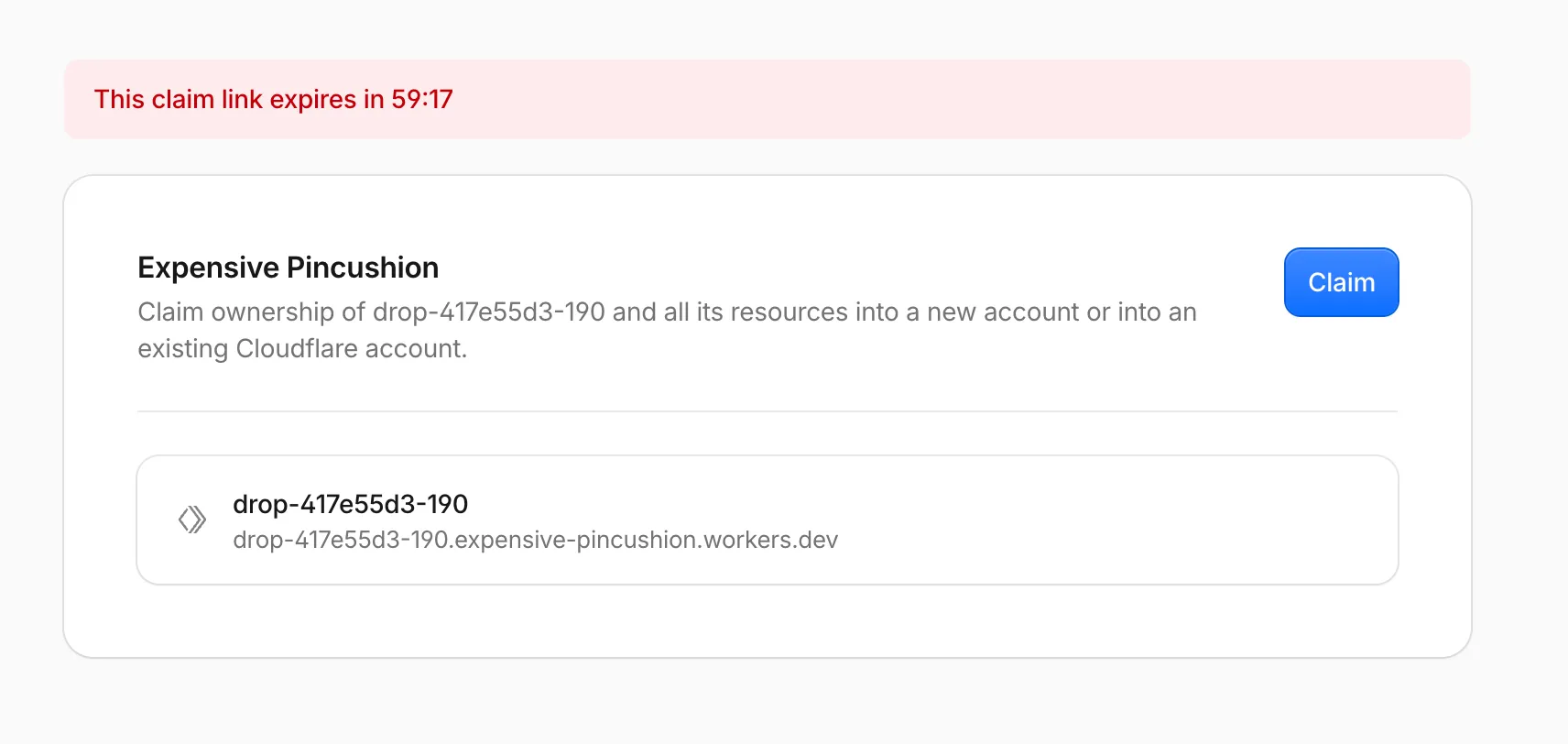
- Unclaimed deploys are temporary: the official changelog says the preview stays live about 1 hour. In that window you can test, share the URL, or hit Claim to sign in / sign up and keep it.
- Supports static assets: HTML, CSS, JavaScript, images, fonts. URLs look like
*.workers.dev, on the Workers Static Assets path-not the old "create a Pages project first" flow. - After claim you can: attach a domain, turn on observability, enable Markdown for Agents, and control access with Access.
- Same family:
wrangler deploy --temporaryfor AI agents (temporary account, claim within 60 minutes)-same "deploy first, claim later" idea.
The pain it removes
Around July 8, 2026, Cloudflare shipped Cloudflare Drop. The product page is short:
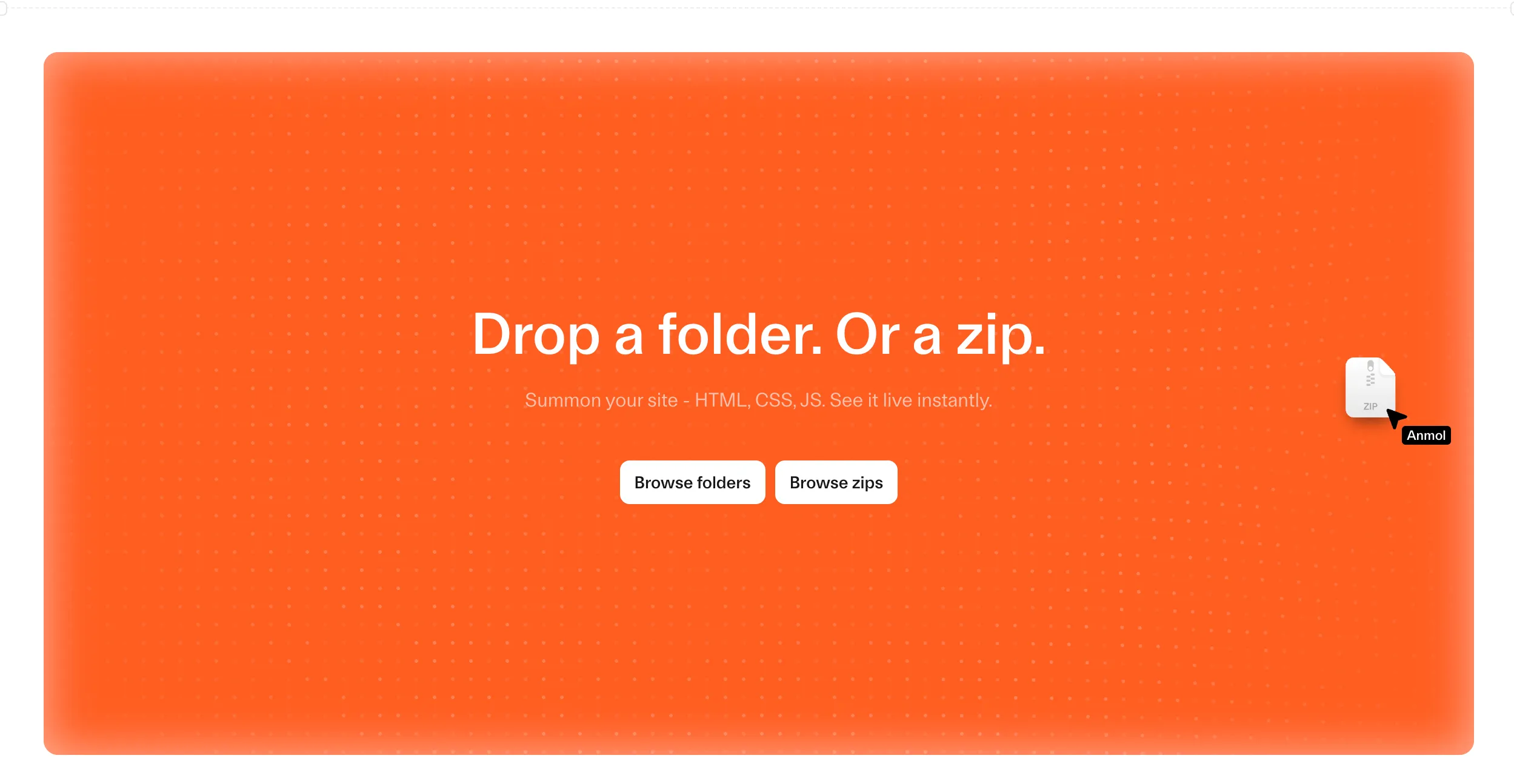
Drop a folder. Or a zip. Summon your site - HTML, CSS, JS. See it live instantly. - cloudflare.com/drop
The changelog is clearer: deploy a static site to Cloudflare without needing an account up front; get a temporary live preview for about an hour to test, share, or claim for keeps.
The order flips: the old path is "sign up → create a project → upload." Drop is "go live first → decide whether to sign up and claim." Someone holding HTML (or an AI that just spat out a page) wants a public URL now, not a form.
What it can do-one table first
Everything below only expands a row. Skim this once.
deploy --temporary: agents deploy without login; claim URL within 60 minutesFrom drop to claim, step by step
- Open DropGo to cloudflare.com/drop; accept any terms prompt (third-party tests show one).
- Drop a folder or zipOfficial UI: Drop files, Browse folders or Browse zips. Needs a real static site (usually an index HTML).
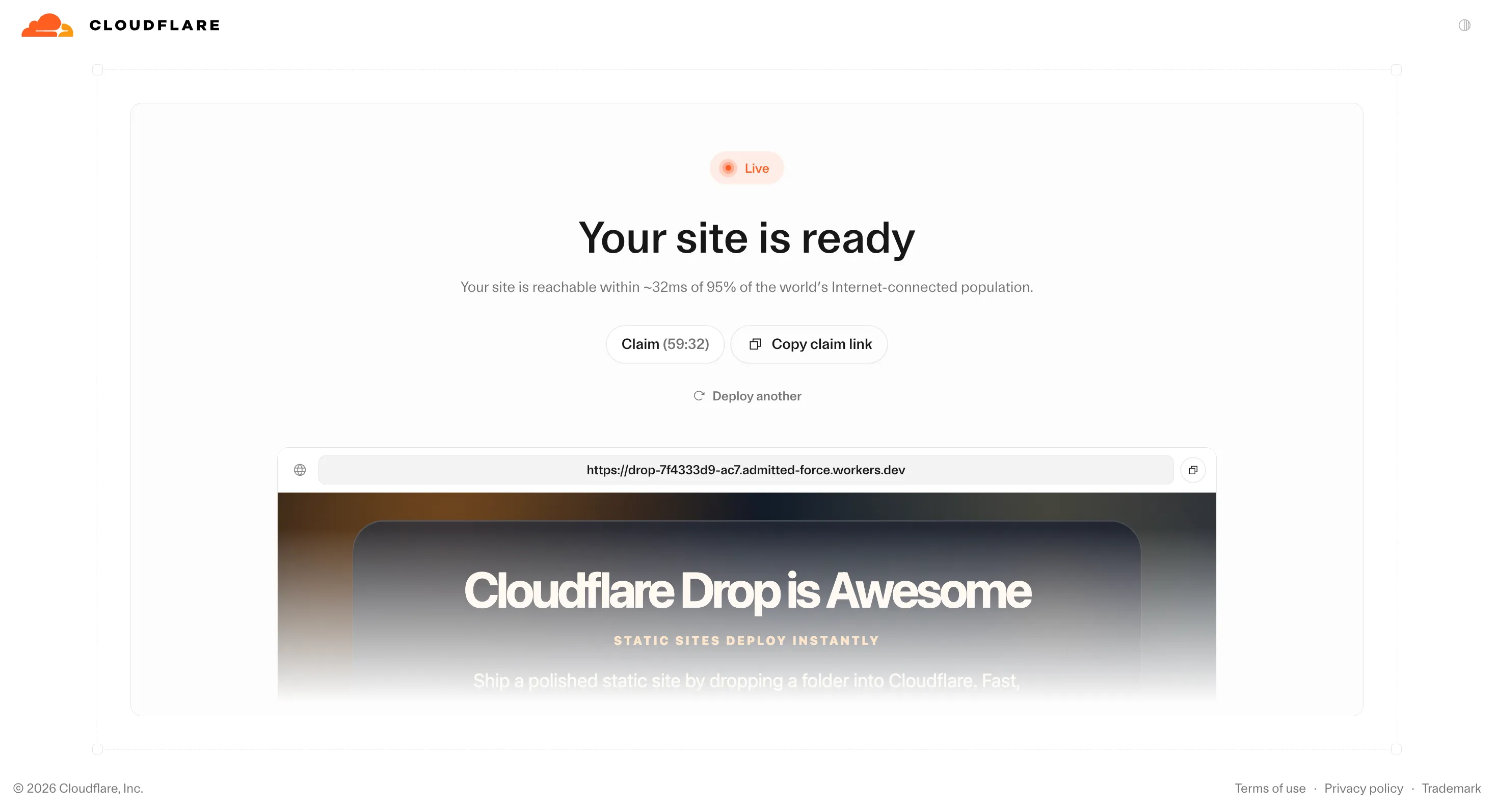
- Get a public URLLive in seconds. Copy and share. stacktr.ee saw names like
drop-….workers.dev. - One-hour windowClaim countdown on screen (tests started around 59 minutes). Test, share, or Copy claim link for someone else.
- Claim to keepSign in or register; pull the deploy into a real account. Unclaimed → deleted.
- Make it a real siteDomain, observability, Markdown for Agents, Access-graduate from temp preview to Workers.
What you unlock once it is yours
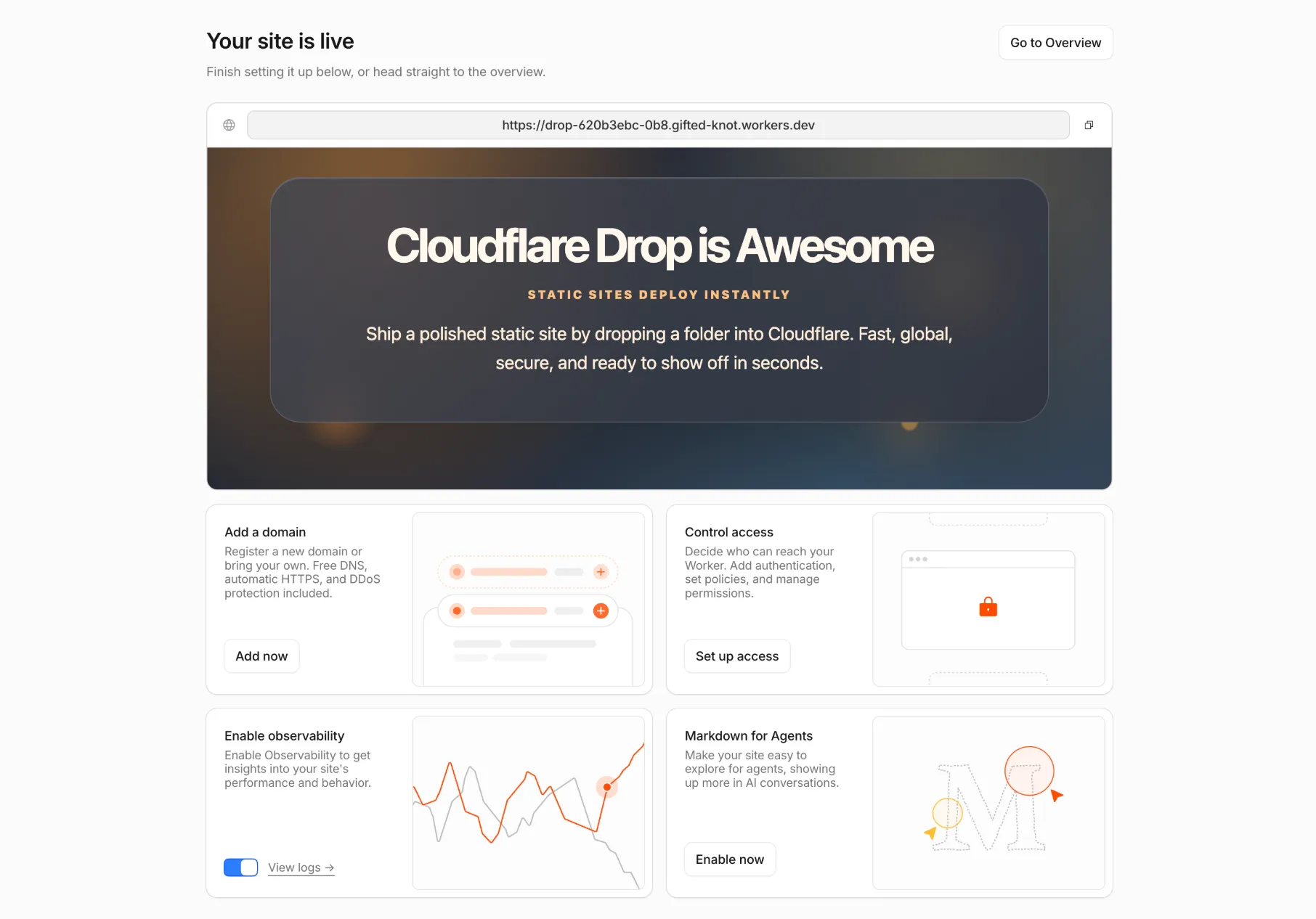
Changelog lists four post-claim cards:
- Add a domain: connect or buy a domain for the site
- Observability: performance and usage (Workers observability)
- Markdown for Agents: make the site easier for AI agents to read in Markdown and show up in AI conversations
- Access control: make the site private and decide who can view it with Cloudflare Access
This is not another "add llms.txt" side file. Cloudflare puts agent-readable Markdown delivery at the same level as HTTPS and DNS-a one-click hosting feature. The pitch is agent exploration and presence in AI chats. For "AI made a page → go live now → still want agents to read it," hosting itself takes the next step.
Vs Pages direct upload, Netlify Drop, Vercel Drop
Account first → create project → upload zip/folder. Netlify Drop and Vercel Drop are usually identity-first too.
Live first → claim later. In the anonymous hour the URL is already public. Identity shows up at "keep it or not."
| Point | Cloudflare Drop | Typical peers |
|---|---|---|
| Account to start | Not required | Usually required |
| When it is live | Right after drop | After login / project setup |
| Unclaimed life | ~1 hour | Varies; rarely anonymous-first |
| URL | workers.dev | Vendor preview domains |
| After claim | Full Workers path | Vendor "real" project |
Like a package locker: put the package in, get a pickup code (public URL); only register if you want long-term storage. Not "buy a membership before you can leave anything."
Browser Drop and wrangler --temporary are two tracks
Drop itself is human drag-and-drop: file picker + terms. Tests show no API / CLI / MCP straight into the Drop page. Agents that need to deploy Workers use another path:
Wrangler ≥ 4.102.0. Without credentials, CLI suggests --temporary: create a temp preview account, deploy to workers.dev, print a claim URL valid ~60 minutes. Unclaimed → deleted. Agents can ship first; you claim later.
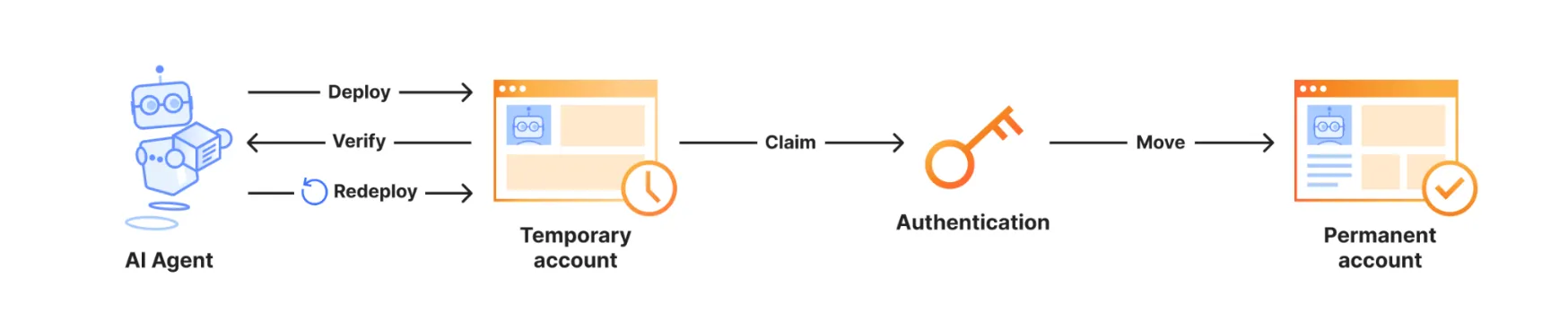
Temp accounts have product limits (docs table): e.g. Static Assets up to ~1,000 files, 5 MiB each; one D1 DB, etc. Production/CI should use a real account + login or API token-not --temporary.
Who it fits-and who should be careful
Demo HTML/CSS, client previews, hackathons, classwork, AI-just-made pages that need a link now, tasting Cloudflare edge before opening an account.
Unclaimed sites are fully public (no password-only an obscure subdomain); gone after ~1 hour; do not dump secrets. Private handoffs and replace-in-place agent URLs are not Drop's full story yet.
- Security folks already note: free anonymous static hosting lowers friction for phishing pages-a side effect of the capability, not the product pitch
- File counts, size caps, free tier: claim docs have a table for temporary accounts; Drop's browser path is not fully enumerated in the changelog-trust the live product
- Update semantics after claim (same URL in place or new deploys) are not nailed in public docs yet
What you can do right now
- Humans:Folder with index.html → cloudflare.com/drop → drop → share URL → Claim within the hour if you care.
- Agents:Wrangler 4.102+ →
wrangler deploy --temporary→ you open the claim URL. - Long-lived site:After claim, attach a domain and observability; for AI traffic, consider Markdown for Agents.
Cloudflare's Brayden Wilmoth put it short on X: no account needed; live for 60 minutes; expires unless claimed. Product page and changelog match.